How to create a new project
A step-by-step guide to setting up a new project in Enersee, including how to choose the right meter, set a valid reference period, and configure all project fields correctly.
Written By Arnor Van Leemputten
Last updated 4 months ago
Before you start
Make sure you have the following ready before creating a project:
The meter you want to track
The start and end date of the reference period (at least 9 months of stable, pre-intervention consumption)
The start date of your intervention (and end date if construction has already finished)
The investment cost, if known
If the reference period data is incomplete or unreliable (for example, due to meter issues or unusual activity), the baseline quality will be affected. Check data quality for the selected meter before proceeding.
How to create a project
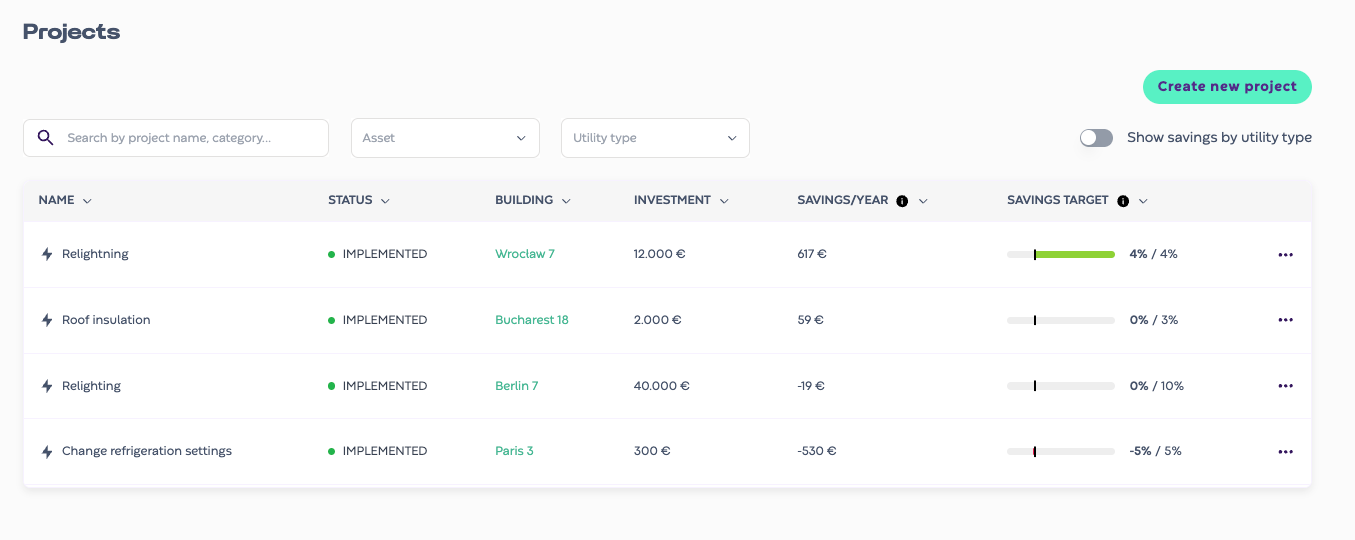
Navigate to the Projects module and click "Create new project". Fill in the fields as described below.
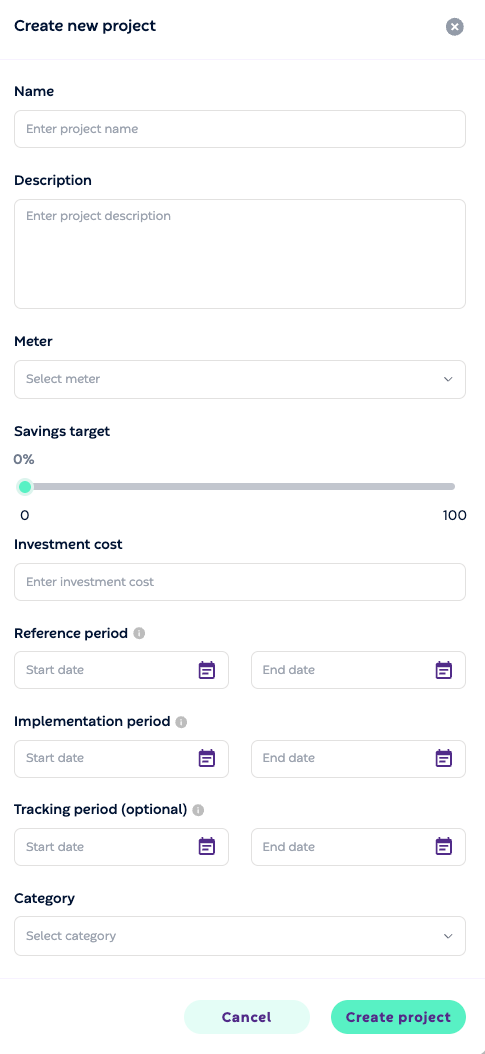
Name and description
Give the project a clear name that identifies the intervention and the location, for example "LED retrofit, Store Brussels Noord" or "HVAC replacement, Warehouse Ghent". The description is optional but useful for adding context about the scope of the work.
Meter
Select the meter that is most directly affected by the intervention. Avoid using a high-level aggregation meter if the intervention only impacts part of the site, as this will dilute the measured savings signal.
Savings target
Set a percentage savings target if you have one. This is used for progress tracking in the project overview and does not affect the calculation. You can leave it at 0% if no target has been defined.
Investment cost
Enter the total cost of the intervention in euros. Enersee uses this to calculate simple payback time and ROI once savings start accumulating. You can update this later if the final cost is not yet known.
Reference period
This is the most important field. The reference period defines the training window for the project baseline, the model of what "normal" consumption looked like before your intervention. Set the start and end date to cover a representative period of at least 9 months. A full year is ideal as it captures all seasonal patterns.
⚠️ Avoid including periods with data quality issues, abnormal occupancy, or other distortions in the reference period. These will degrade the baseline and make savings hard to measure accurately.
Implementation period
Set the start date when work begins on site. If construction is already complete, fill in the end date as well. Enersee excludes this period from savings calculations since consumption during installation is not representative of normal operation.
Tracking period (optional)
If you want to scope the project results to a specific reporting window, set a tracking period here. This is useful for aligning with audit cycles or contractual savings commitments. It does not affect the underlying calculation.
Category
Select the category that best describes the intervention, for example lighting, HVAC, building envelope, or process change. This makes it easier to filter and compare projects across your portfolio.
After creating the project
Once created, Enersee will train a baseline model on the reference period you defined. This may take a short moment. Once ready, the project dashboard will show the savings curve, cumulative savings in kWh and euros, progress against your target, and payback period.
If the reference period is too short or contains too many data gaps, Enersee will flag a warning on the project. In that case, review the meter data quality and adjust the reference period if needed.